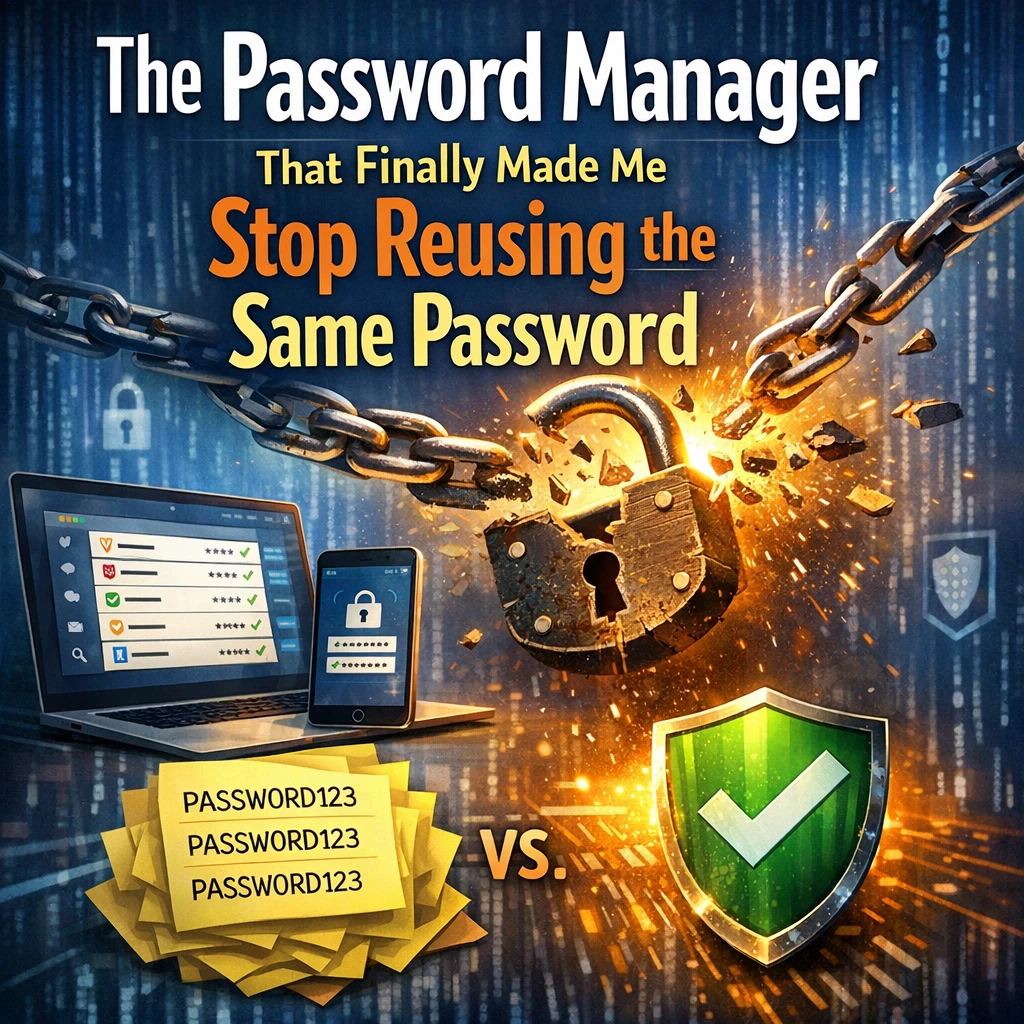
For years, I was a serial password offender. "Password123" for my email, "Password123" for my bank account, and—you guessed it—"Password123" for my social media. I knew it was risky, but the convenience of memorizing one simple phrase was too tempting. Then, disaster struck: a friend’s account got hacked, and I realized my digital life was hanging by a thread.
That’s when I discovered the password manager that changed everything.
The Breaking Point: Why I Needed a Change
Like many people, I underestimated the risks of password reuse. Then, I learned some hard truths:
- 80% of data breaches are caused by weak or reused passwords (Verizon).
- Hackers use "credential stuffing"—testing stolen passwords across multiple sites—to break into accounts.
- A single breach could expose every account tied to that password.
After a frantic weekend resetting dozens of logins, I knew I needed a better solution.
My Search for the Right Password Manager
I tested several password managers, but most felt clunky or overwhelming. Then, I found Bitwarden, and it was a game-changer. Here’s why:
1. Simplicity Without Sacrificing Security
- Free tier with no shady limits: Unlike some competitors, Bitwarden’s free version includes core features like unlimited password storage and cross-device sync.
- Intuitive interface: No confusing menus—just a clean vault for passwords, secure notes, and even credit card details.
2. Military-Grade Encryption
- End-to-end AES-256 encryption means even Bitwarden can’t see your data.
- Open-source code = transparency (no hidden backdoors).
3. Seamless Cross-Device Sync
- Install the browser extension or mobile app, and your passwords are automatically filled everywhere.
- No more frantic texting myself passwords from my laptop to my phone.
4. Password Generator That Actually Works
Creating strong passwords used to be a chore. Now, with one click, I get something like:
X7$qL2#9nB!pW—utterly uncrackable and unique for every site.
How Bitwarden Broke My Bad Habits
1. Zero Excuses for Reuse
With a password manager, there’s no need to remember anything except your master password. Every login gets its own strong, random password, stored securely.
2. Auto-Fill Magic
No more typing. Bitwarden detects login fields and fills them instantly—even on my phone.
3. Emergency Access for Loved Ones
I set up Emergency Access for my partner, so if something happens to me, they can retrieve critical logins securely.
The Moment I Knew I Was Hooked
Two weeks in, I got a security alert: a site I’d used was breached. Normally, I’d panic. But Bitwarden’s Password Health tool showed:
- 1 weak password (an old relic I’d missed)
- 0 reused passwords
With one click, I updated the weak link. No stress. No chaos. Just peace of mind.
Final Verdict: Why This Password Manager Works
If you’re still recycling passwords, ask yourself:
- Is the convenience worth risking your bank account, emails, or identity?
- How much time do you waste resetting passwords after a breach?
Bitwarden isn’t just a tool—it’s a lifesaver. And the best part? It’s free to start.
Ready to Break the Cycle?
Try Bitwarden today: https://bitwarden.com
Your future self (and your hacked-avoiding sanity) will thank you.
Have you switched to a password manager? Share your story in the comments! 🚀