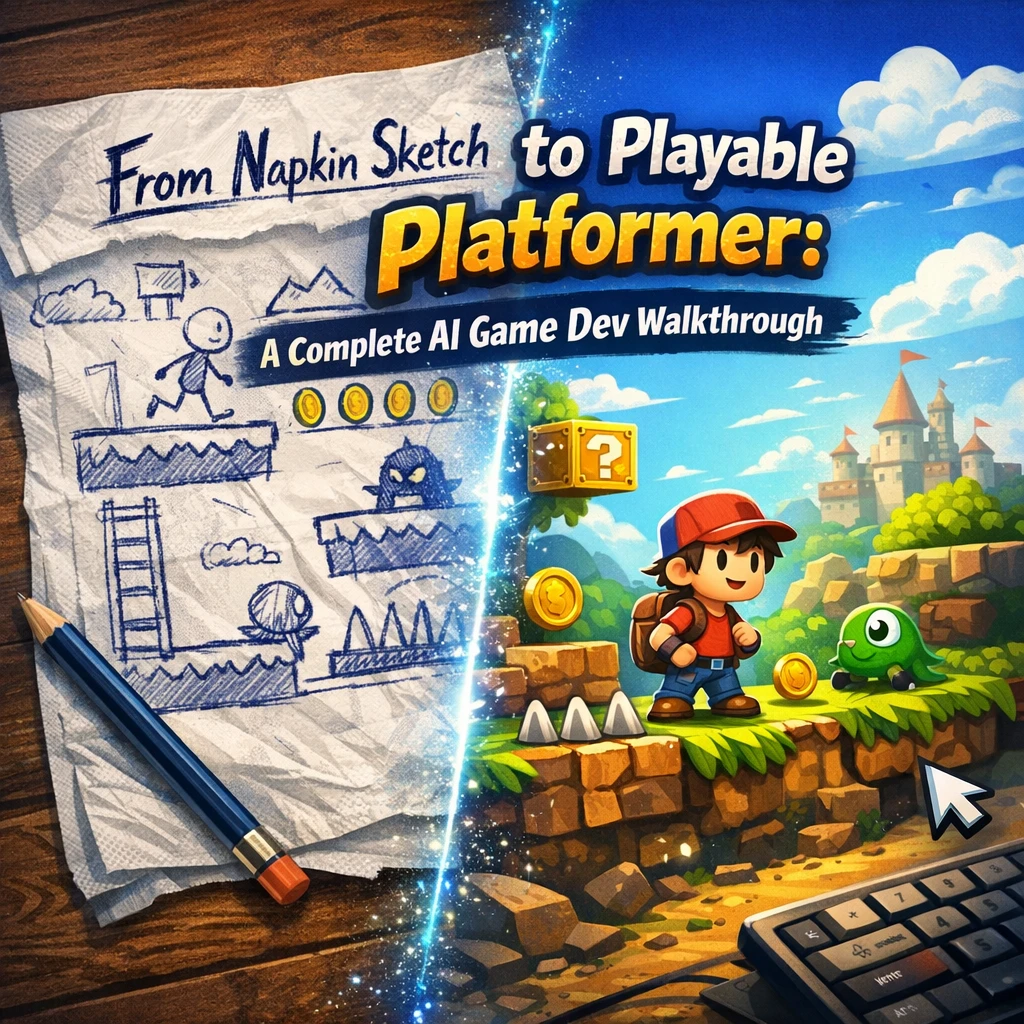
Turning a rough sketch into a fully playable platformer is an exciting journey, and with the help of modern AI tools, the process has never been more accessible. Whether you're a seasoned developer or a complete beginner, this walkthrough will guide you through every step—from conceptualization to a polished, playable game.
1. Conceptualizing Your Game: From Napkin to Blueprint
Every great game starts with an idea. Grab a napkin, a notebook, or a digital canvas and sketch out your vision. Ask yourself:
- What’s the core mechanic? (e.g., jumping, puzzles, combat)
- What’s the art style? (pixel art, hand-drawn, minimalist)
- What’s the narrative? (if any)
AI can help refine these ideas by generating concept art, suggesting mechanics, or even drafting a simple storyline. The key is to keep your vision flexible yet focused.
2. Prototyping with AI-Assisted Tools
Once you have a concept, it’s time to build a prototype. AI-powered tools can speed up this process by:
- Generating placeholder assets (characters, tiles, backgrounds)
- Assisting with level design (auto-generating platforms, obstacles)
- Providing code snippets for common mechanics like movement or collisions
Start small—build a single level with basic controls to test your core gameplay loop.
3. Designing Levels with AI Guidance
A good platformer thrives on well-designed levels. Use AI to:
- Balance difficulty curves (suggesting enemy placements or platform spacing)
- Generate procedural content (randomized but coherent levels)
- Playtest virtually (AI can simulate player behavior to find flaws)
Remember: Player feedback is irreplaceable, so iterate based on real playtests.
4. Polishing Art and Audio
AI can assist in refining your game’s aesthetics:
- Upscaling pixel art for cleaner visuals
- Generating dynamic soundtracks that adapt to gameplay
- Creating particle effects for jumps, attacks, or environmental interactions
Consistency is key—ensure your art and audio match the game’s tone.
5. Implementing AI for Smarter Enemies and NPCs
Want enemies that adapt to player behavior? AI can help design:
- Pathfinding algorithms for chasing or patrolling
- Behavior trees for complex enemy actions
- Dynamic difficulty adjustments based on player skill
Just be careful not to overcomplicate—simple, predictable AI can still be fun.
6. Playtesting and Iteration
No game is perfect on the first try. Use AI to:
- Analyze player metrics (common death points, completion rates)
- Automate bug detection (flagging glitches in collision or physics)
- Generate feedback summaries from testers
Then, refine, tweak, and polish until your game feels just right.
7. Finalizing and Sharing Your Game
Once your platformer is playable and polished, consider:
- Exporting to multiple platforms (desktop, mobile, web)
- Creating a compelling trailer (AI can help edit footage or generate captions)
- Engaging with communities for feedback and exposure
Conclusion: Your Game, Your Vision
From a simple napkin sketch to a fully playable platformer, AI can be a powerful ally in game development. The key is to blend automation with creativity—letting AI handle tedious tasks while you focus on crafting a unique, engaging experience.
Now, go forth and build something amazing! 🚀